Assignment 05 | The Music Video
The Music Video
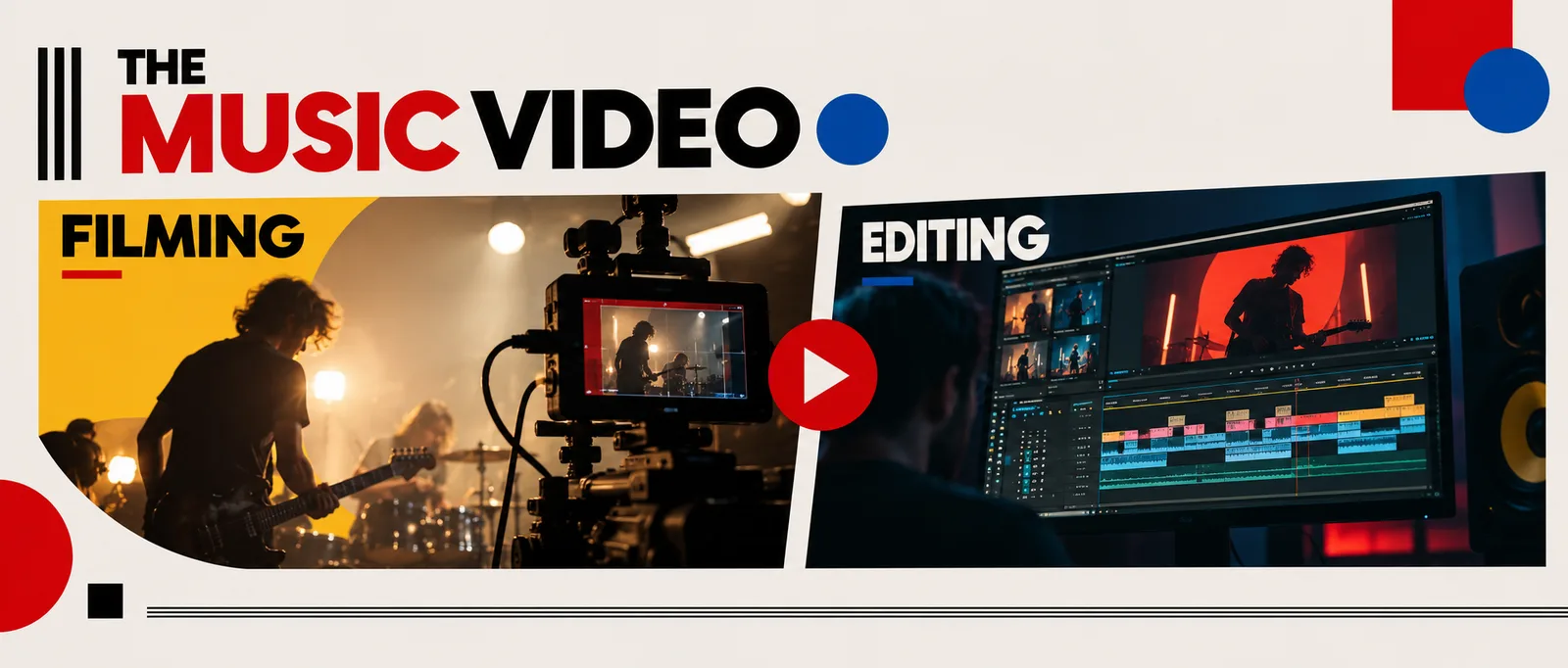
One song, filmed again and again by a group of four, then cut to the beat in iMovie.
START HEREOpen your one-sheetPrint it or keep it open while you work.Open ↗HORIZONTAL ONLY
Every clip. Turn the phone or camera sideways, so the frame is wider than it is tall. Vertical video scores 0 for format.
4
people per group
45 to 60 s
of one song
1
sound: the original song
1080p
export from iMovie
The goal
Someone plays the song out loud while the rockstar lip-syncs. Nothing the camera records is used. In the edit, the only sound is the original song.
The crew
Everyone has a job on every take. Swap roles every few takes, so everyone is the rockstar and everyone holds the camera.
Rockstar
Lip-syncs the whole section, every take. Big and committed.
Camera operator
Frames the shot and runs the move. Records before the song starts, stops after it ends.
Bounce card
Throws light back onto the rockstar's face and follows them when the shot moves.
Playback
Plays the song from the same spot every take, and claps once on camera first.
Step by step
Follow these in order. The red lines are where most students lose points.
01
Plan the shoot
Week 6. In writing, with sketches.
• Pick one song and a 45 to 60 second section. Clean version only, I approve every song.
• Write where each part is filmed, which camera move, and who takes which role. Sketch every shot.
Watch out: Keep it realistic. Everything in the plan has to be filmed in one class period.
02
Get the audio file
Before Week 8.
• Put the song as an MP3 or M4A in your group's folder.
• Can't get it? Send me the title and artist by the end of Week 7, Tuesday.
Watch out: Streaming is fine for filming, but you cannot edit without the file.
03
Film the same section again and again
Week 7, Tuesday. Full takes only.
• Playback starts the song from the same spot every time.
• The rockstar lip-syncs the whole section, start to finish, every take.
Watch out: Half takes leave holes in the edit. Full takes let you cut between them anywhere.
04
Change something on every take
Work through the shot list.
• A wide shot with the camera still (your safety take), and a close-up of the face for the whole section.
• At least two rockstars. A dolly in or out, a track, a pan or tilt that reveals something, a low and a high angle.
• Detail shots: hands, shoes, hair, a reflection.
Watch out: A shaky camera move looks like a mistake. Move slowly and smoothly, and repeat it if it wobbles.
05
Song first, then picture
Week 8, Tuesday, then at home.
• Put the original song on the iMovie timeline first.
• Mute every clip. Line each take up with the song using the clap and the lips.
Watch out: Camera sound left on doubles the song and the room noise. Mute every clip.
06
Cut on the beat, together
The whole group decides every cut.
• Change who is at the keyboard every 10 minutes.
• Every member should be able to explain why a cut is where it is.
Watch out: Lips that do not match the words break the illusion. Check the sync after every cut.
07
Experiment with color and effects
Week 8, before you export.
• Try filters, black and white, color, slow motion and speed changes.
• Then pick one look and keep it across the whole video.
08
Export and hand in
1080p, the same file for everyone.
• Export at 1080p. Every member of the group submits the same file.
• Hand me your written shoot plan at the end of the planning class.
Check before you submit